01Capture
Capture exactly what you need.
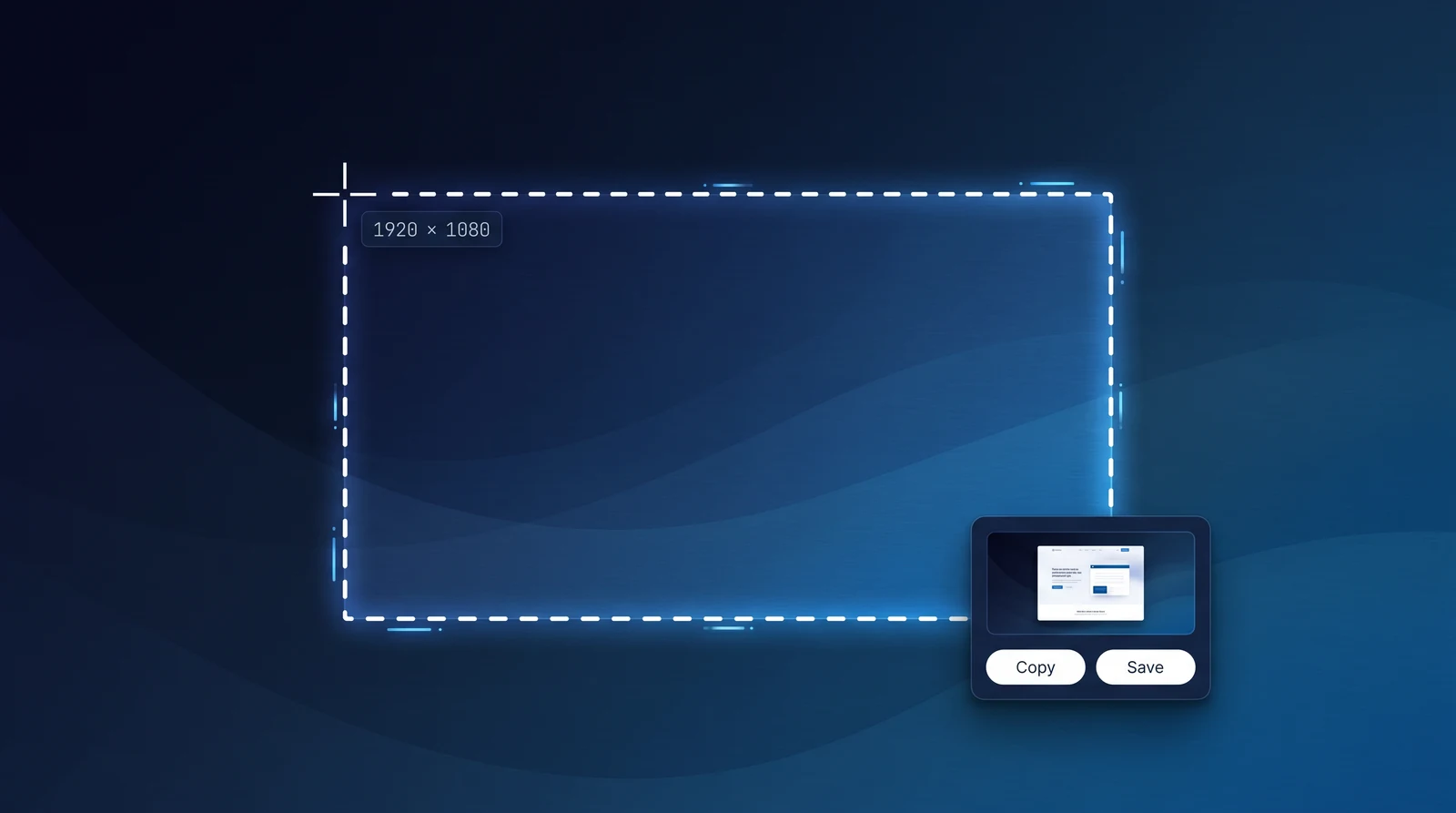
Drag across any region, grab a window, capture fullscreen, or save an entire scrolling page.
- One hotkey
- Copy or save instantly
PixelCopy for Windows
01Capture
Drag across any region, grab a window, capture fullscreen, or save an entire scrolling page.
// built by the team behind these windows apps
PixelCopy is the full set: capture every way, annotate cleanly, record screen and webcam, OCR on the fly, share when you want. Windows-native, signed by Mako Logics.
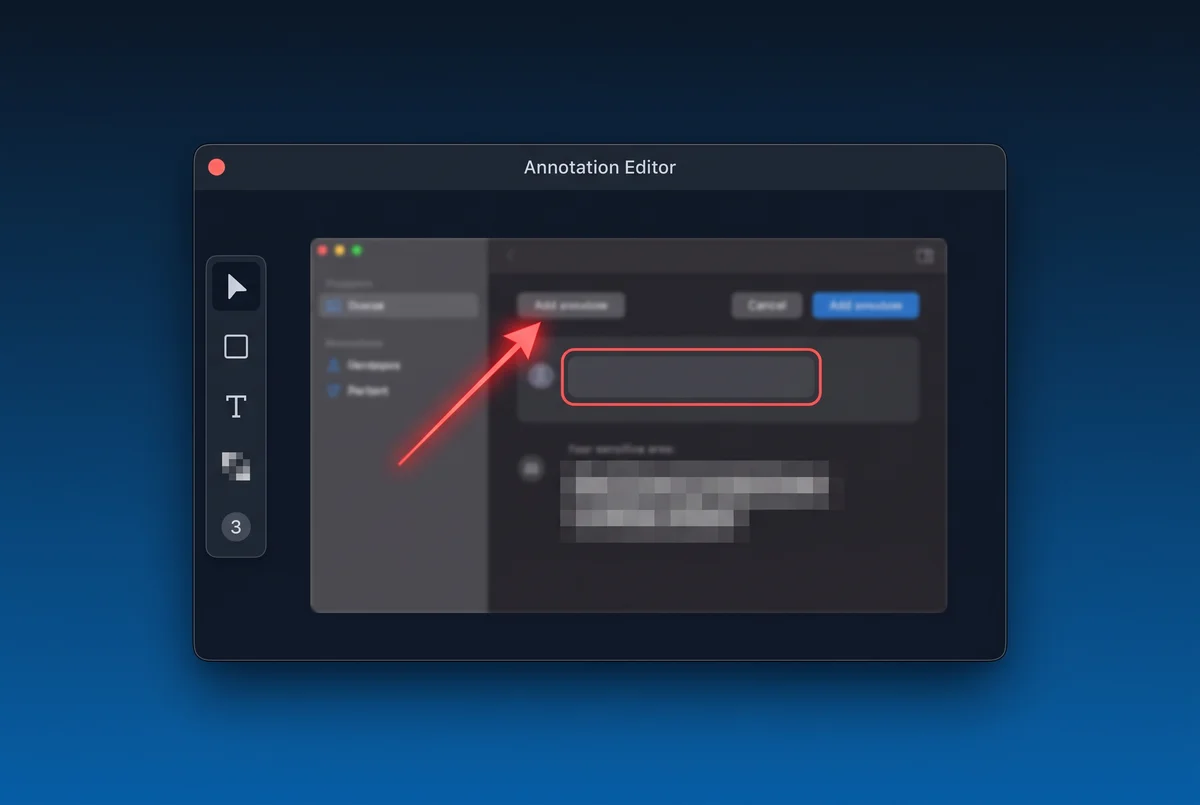
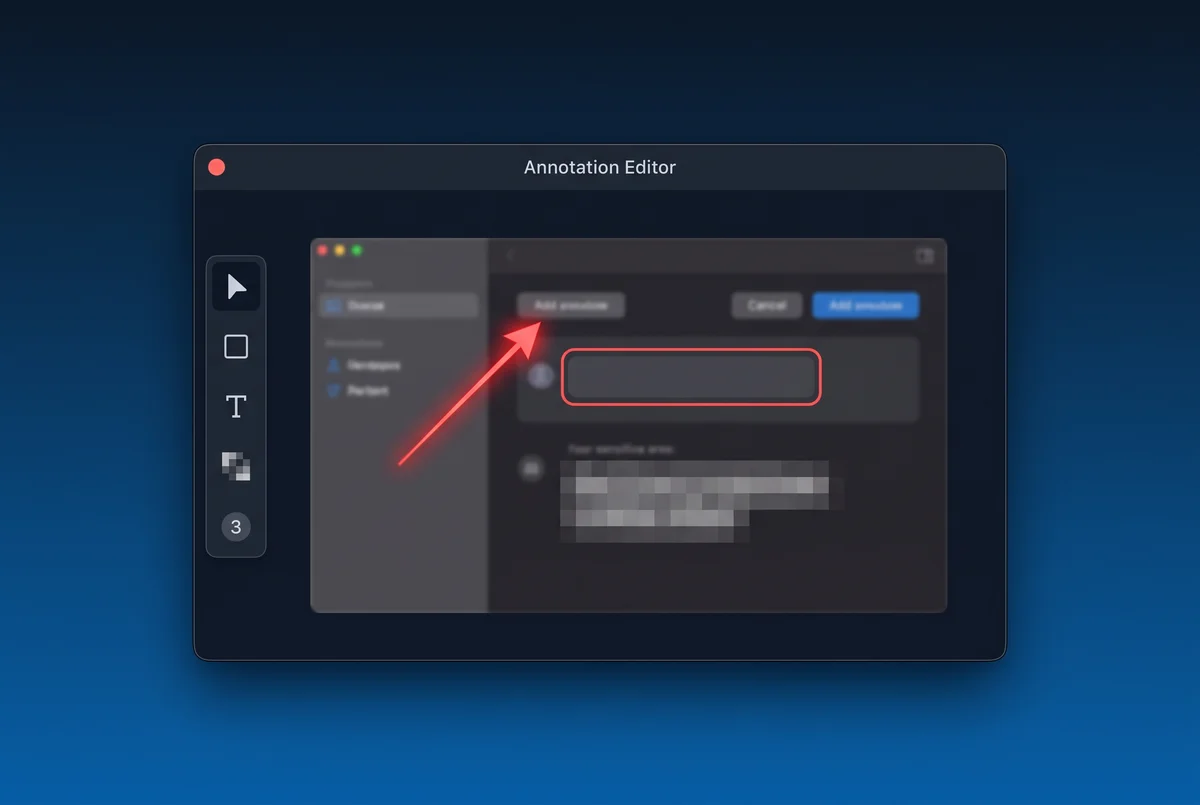
Every capture opens straight into a full annotation editor. Point at the thing you mean, box it, number the steps — and blur anything you don't want the world reading.
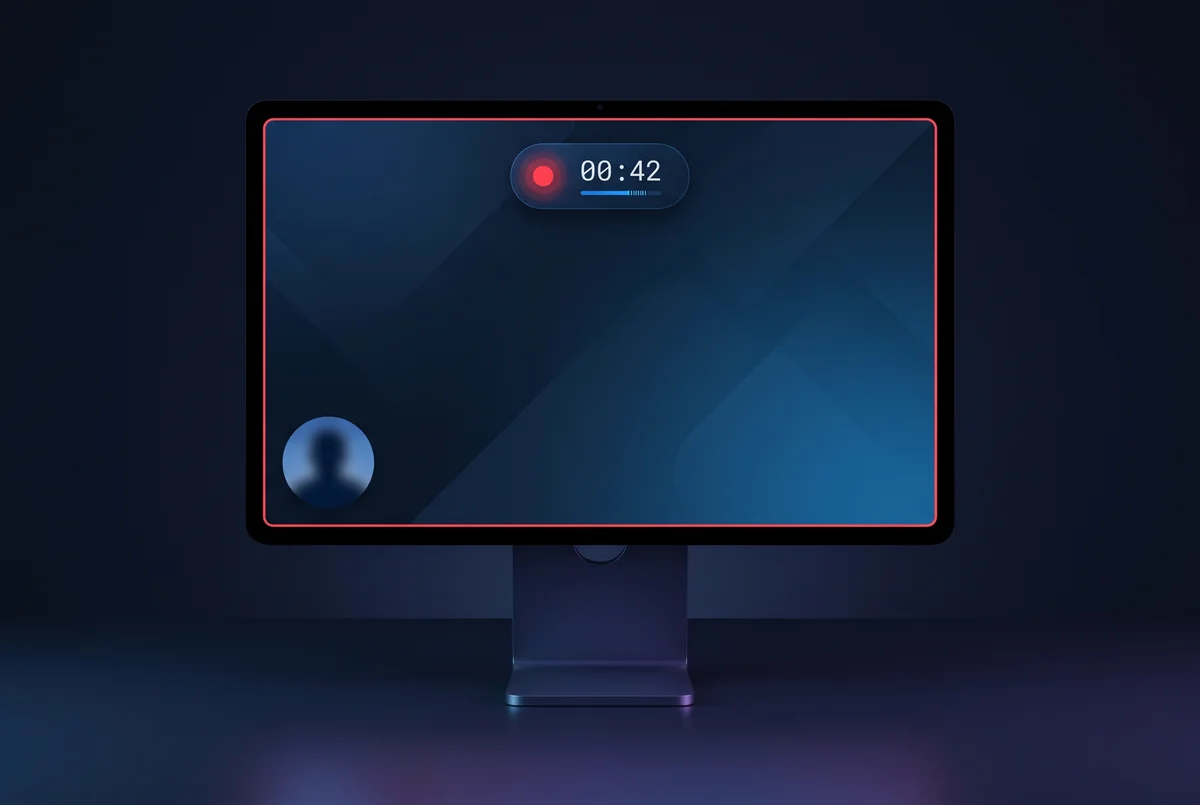
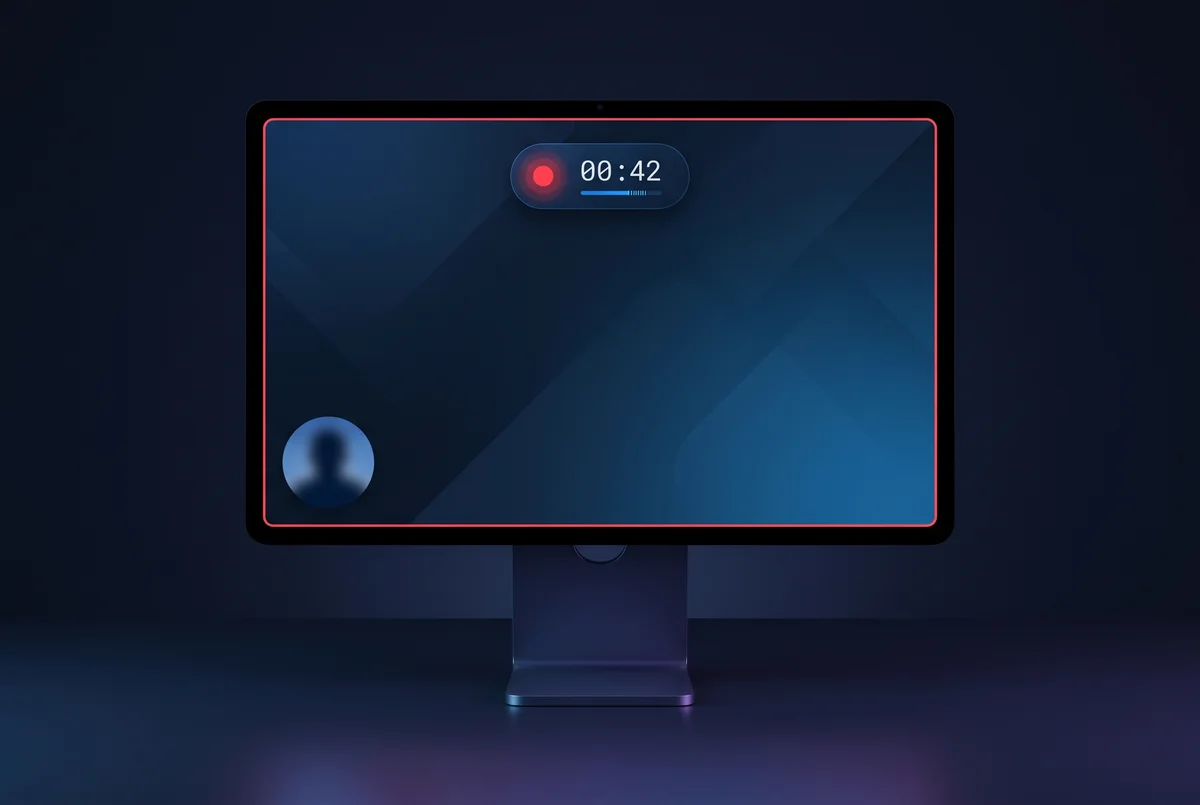
Full-screen, one window, or a region. Your voice and your system audio together, with a floating webcam bubble when you want a face on it. Pause, resume, trim, done.
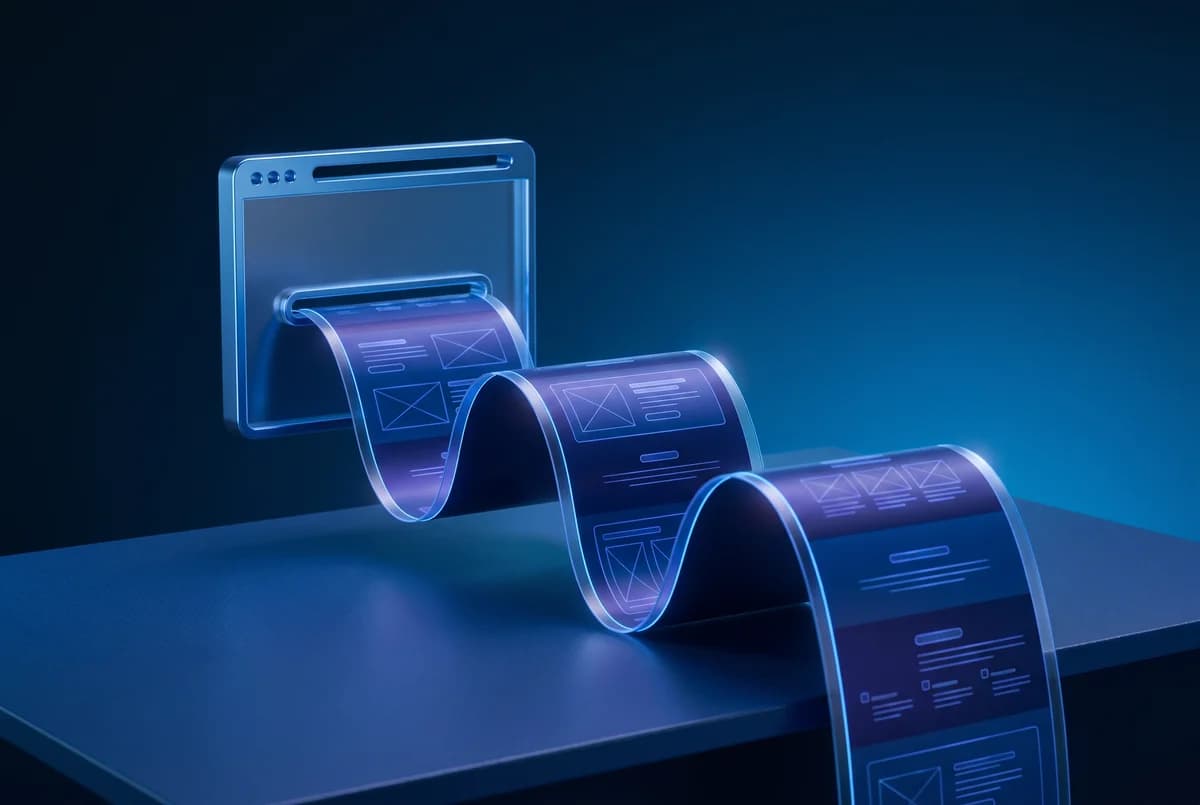
PixelCopy scrolls the window for you and stitches the pieces into one tall, seamless image — headers and footers detected and removed automatically.
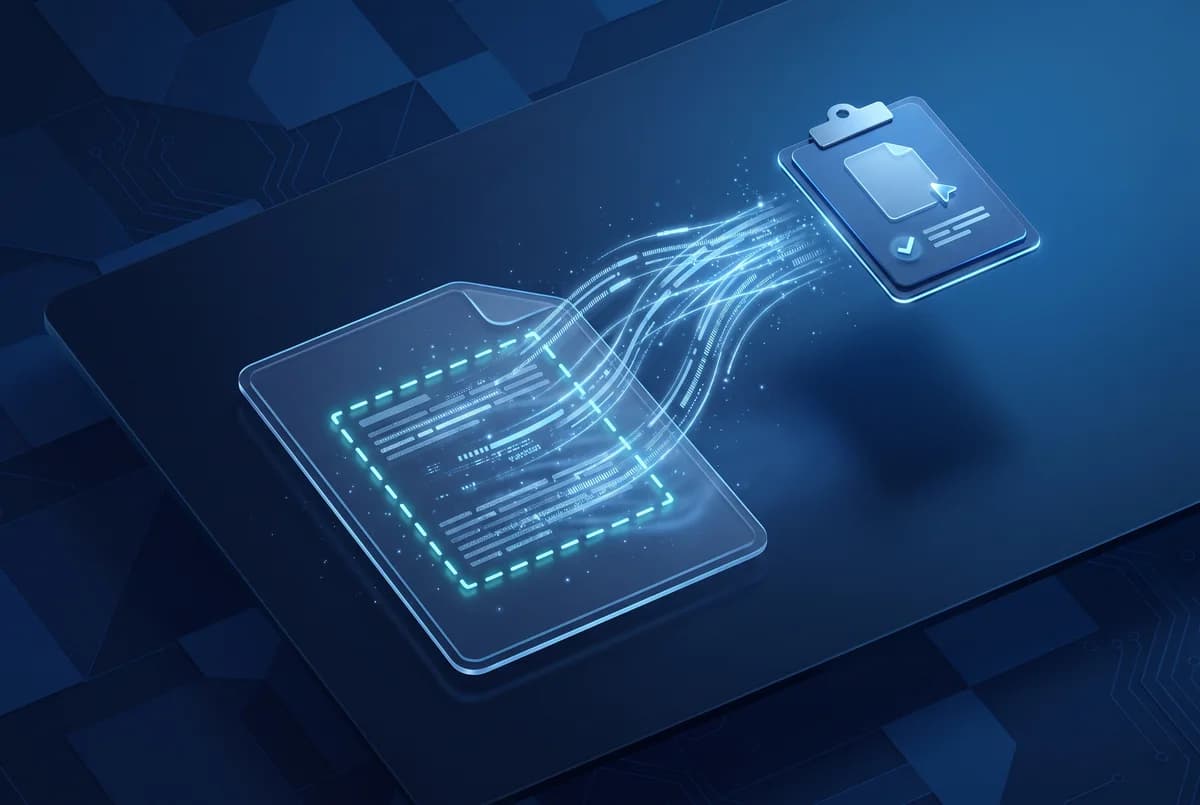
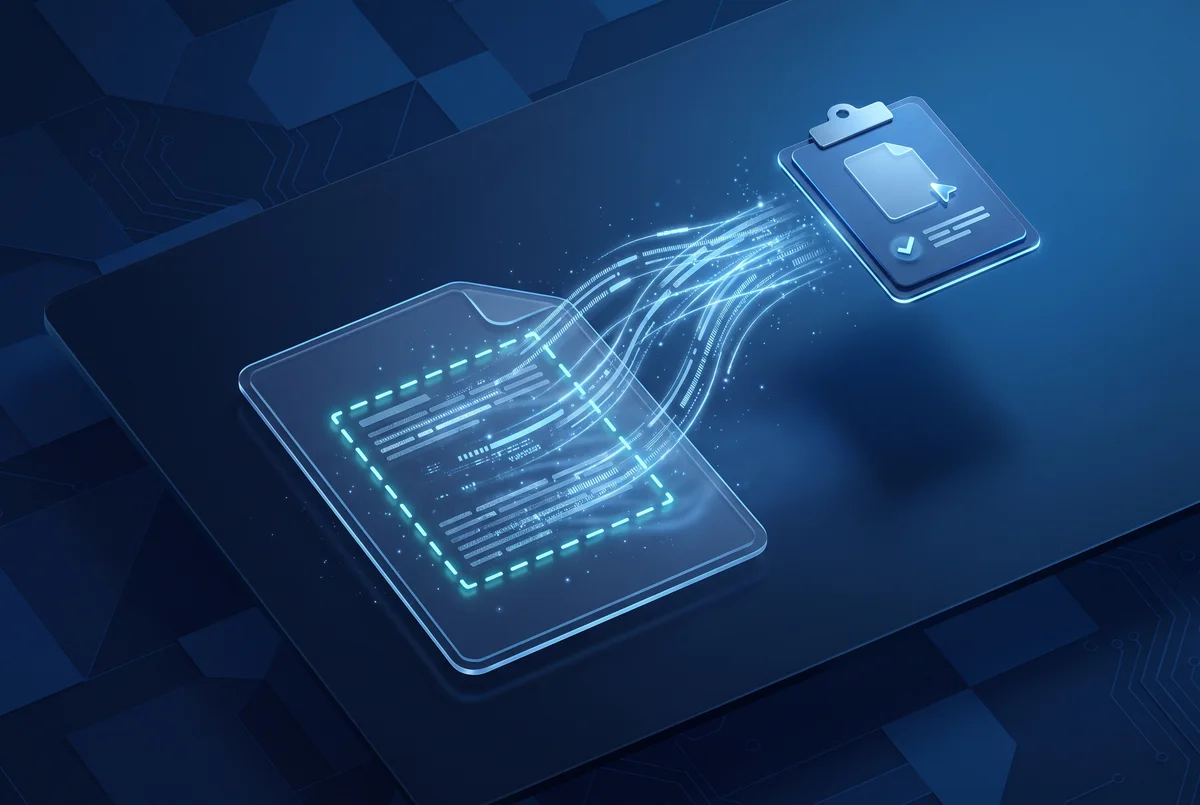
Error dialogs, screenshots someone sent you, video frames, apps that block selection — draw a box around it and the text lands on your clipboard.
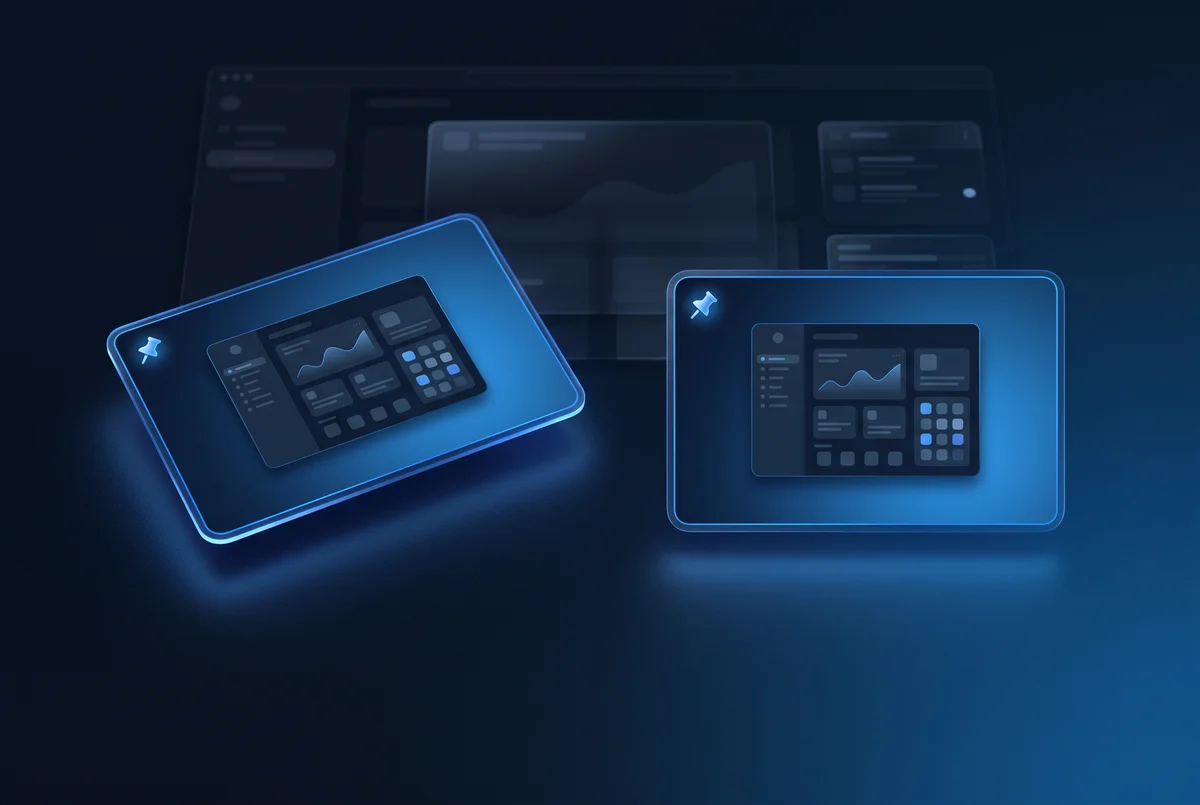
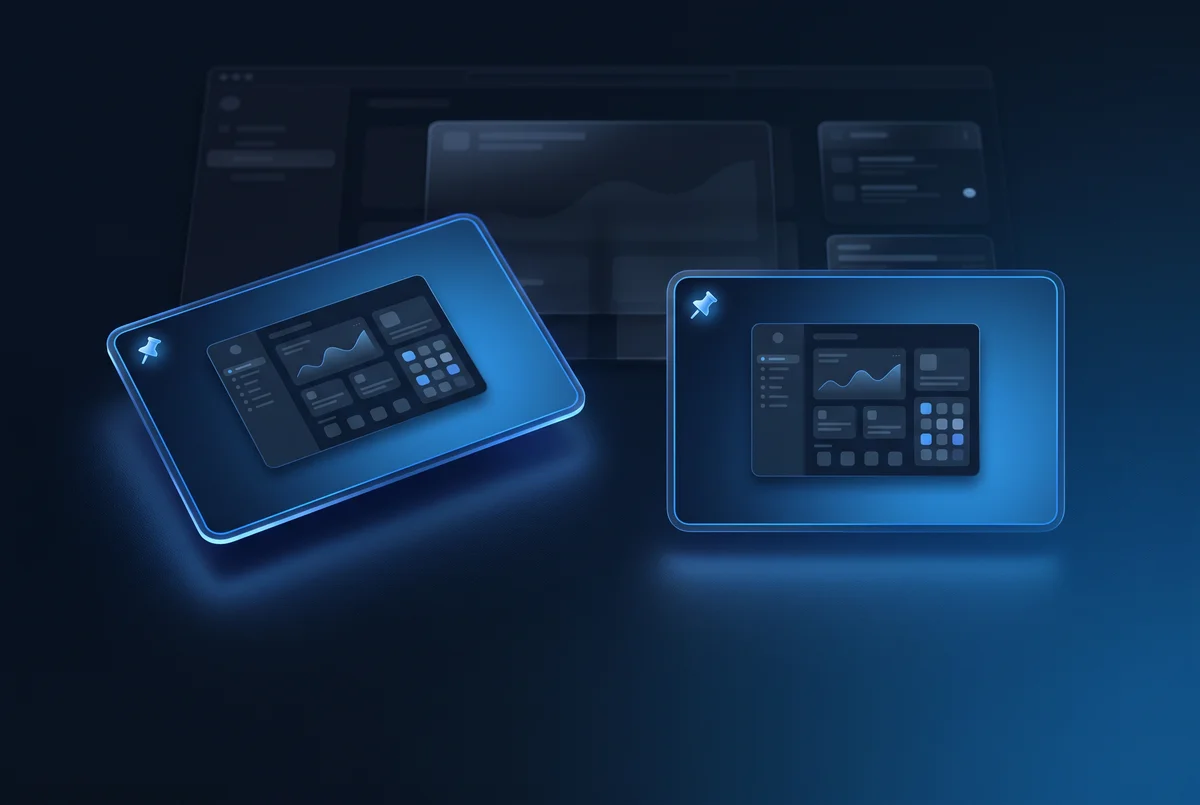
Pin a capture and it stays above every window — perfect for referencing a design, a ticket, or someone's instructions while you work.
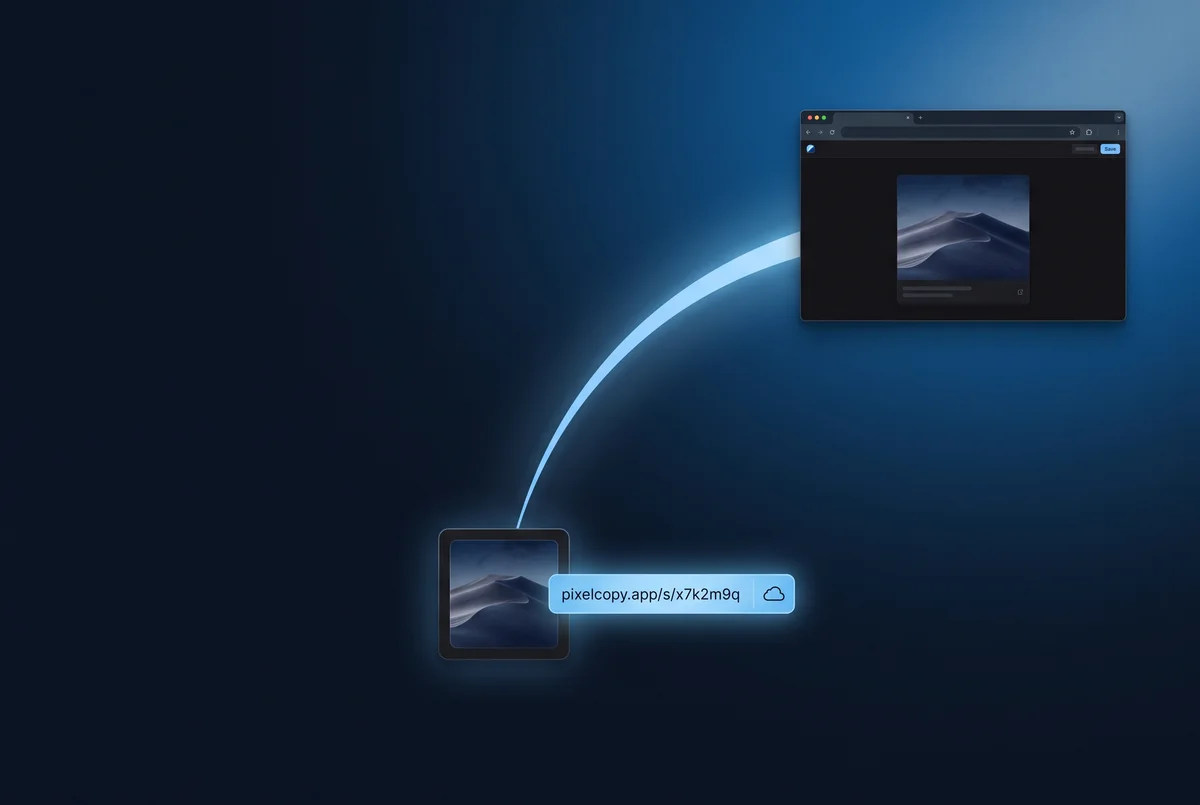
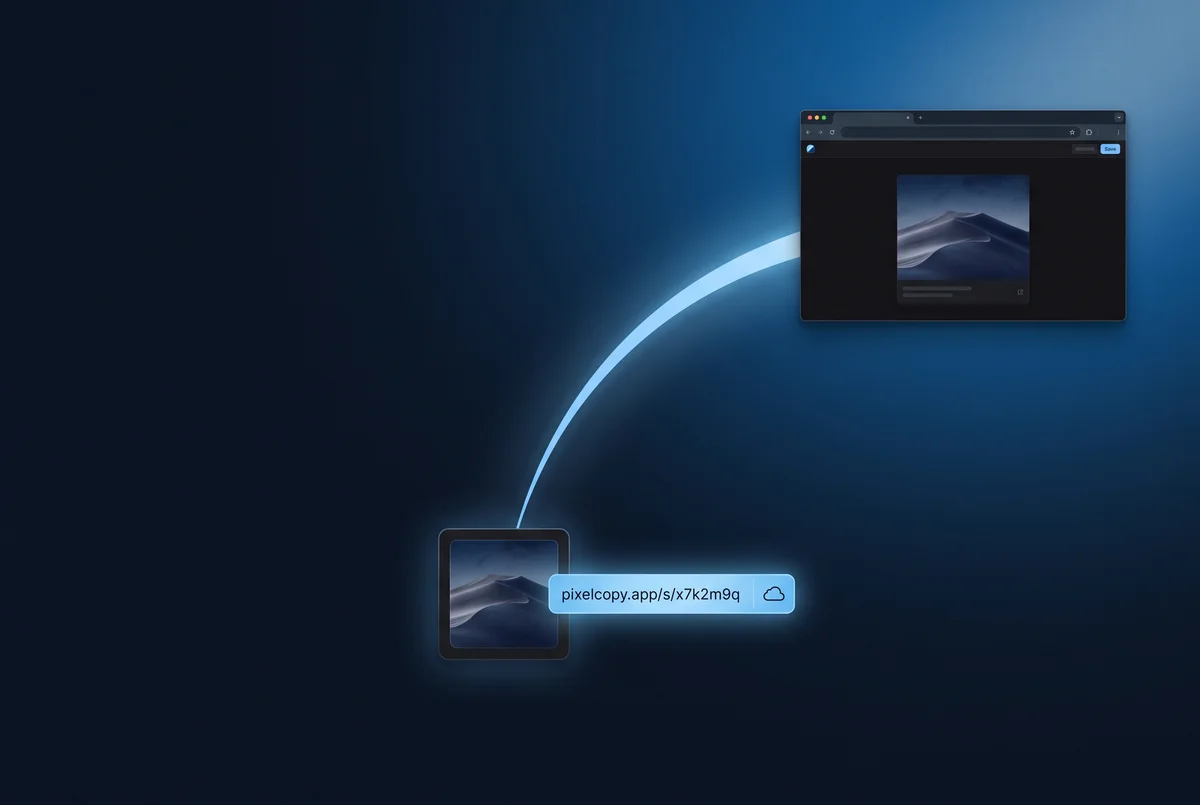
Hit Upload on any capture and the link is already on your clipboard. Whoever you send it to sees a clean dark viewer in their browser — no account, no app, no friction.
After every capture, a floating widget appears in your screen corner: copy, save, annotate, pin, share. The same one-step workflow Mac users have had for years — finally on Windows.
Arrows, rectangles, text, highlighter, pencil, numbered steps, blur, and pixelate — all in a clean, fast editor that opens the instant you capture. Save the layered project; reopen and edit any time.
Capture a whole article, dashboard, or Figma board in one tall image. Works on native windows and modern browsers via UI Automation, with screen-diff stitching as the universal fallback.
Record any region or display as hardware-accelerated MP4 (NVENC / QuickSync / AMF) or as a high-quality GIF. Trim in-app, mix mic and system audio, adjust per-track volume.
Pin any capture (or any image file) on top of every other window. Resize, dim, lock for click-through. Great for keeping a reference shot visible while you work.
Drag a region, get the text. PixelCopy uses Windows' on-device OCR engine — 25+ languages, fully offline. Nothing leaves your machine.
Every screenshot, recording, and GIF stays in a searchable history grid — search by name, filter by type, re-edit and re-share. Keep everything forever, or set it to auto-clean older captures to the Recycle Bin on a schedule you choose.
Add a webcam bubble to your recordings — choose circle or rectangle, pick your corner, size to taste. Perfect for quick walkthrough videos for clients or teammates.
Drop a flat screenshot onto a clean gradient or your own brand background. Adjust padding, aspect ratio, rounded corners. Ship pretty marketing shots without a design tool.
Toggle desktop icons off, swap in a clean wallpaper for the recording, snap clutter-free shots — then restore everything back the second you're done.
Trigger any PixelCopy action from a script or hotkey app via the pixelcopy:// URL scheme. Capture, annotate, pin, OCR, open settings — pipe-able into AutoHotkey, PowerShell, or Stream Deck.
Pro adds one-click upload and instant short links, with your links saved in History. Or skip it entirely — everything else works fully offline, forever.
Sign in at pixelcopy.app/account to see every link you've shared from any PC, set expiry dates, watch view counts, and delete a link the moment you need it gone. Passwordless magic-link sign-in — nothing to forget.
PixelCopy checks for new versions on its own and updates from the official signed GitHub release. A manual “Check for updates” button lives in Settings → About, with the version always in view. No installers to chase.
Connect a Slack or Microsoft Teams channel — or any custom webhook like Discord, Zapier, or your own endpoint. Auto-post every upload, or send just the captures you choose. Your call, per capture.
// every local feature free · pro adds the cloud · updates ship automatically
Everything on your machine is free, forever. Pro is one simple subscription that puts your captures on the internet — and everything else we make.
Every local capture, recording, and annotation feature. Save anywhere you like. No nag, no expiry.
One plan, everything unlocked. Unlimited cloud sharing, automation, priority builds. Cancel any time — every local feature keeps working forever.
cancel any time · local features free forever
Sales tax added at checkout where applicable.
Team and SSO pricing is coming — email hello@pixelcopy.app if you want early access.
Free forever on your machine. Installed in under a minute.